

Turn YouTube Videos Into Social Media Posts
Free plan, no credit card. 150 minutes of video a month included.
One video, three platforms
The same insight, adapted to how each platform actually reads. Not the same text pasted three times.
How a solo founder validates a SaaS idea
YouTube video · 18 min
07:42· jumps to the exact momentOpening only. Tubelify writes the full post; you review and finish it.
First post of the thread.
Illustrative example. Generated drafts come from the real video and should be reviewed and edited before publishing.
From URL to posts in three steps
- 1
Paste the YouTube URL
Drop in a video you already watched or want to learn from. Tubelify pulls the transcript and analyzes the whole thing.
- 2
Pick your formats while it reads
While the analysis runs, choose LinkedIn, X, Instagram, or all at once, with tone, length and language. The drafts are written automatically the moment the insights are ready.
- 3
Edit and publish
Every draft is grounded in the video, timestamped insights included, written in your calibrated style with its hashtags. Edit inline, copy, publish.
Built for repurposing, not just writing
Multiple formats at once
Generate LinkedIn posts, X posts and threads, and Instagram captions from a single video in one batch.
Platform-specific structure
A LinkedIn post, an X thread and an Instagram caption are shaped differently. Tubelify adapts the structure to each, instead of reusing one block of text.
Grounded in the source
Every draft comes from what the video actually says, with timestamps so you can verify before publishing.
Your writing style, learned
Paste 2-3 posts you've already published and Tubelify matches your register, rhythm and vocabulary. Plus tone and length controls per draft.
Edit and regenerate
Tweak any draft inline or generate a fresh version. Every version is saved so nothing is lost.
English and French
Generate your content in English or French, matched to your audience.
See a video become a set of posts
A short walkthrough of the real workflow, from the YouTube link to the finished drafts.
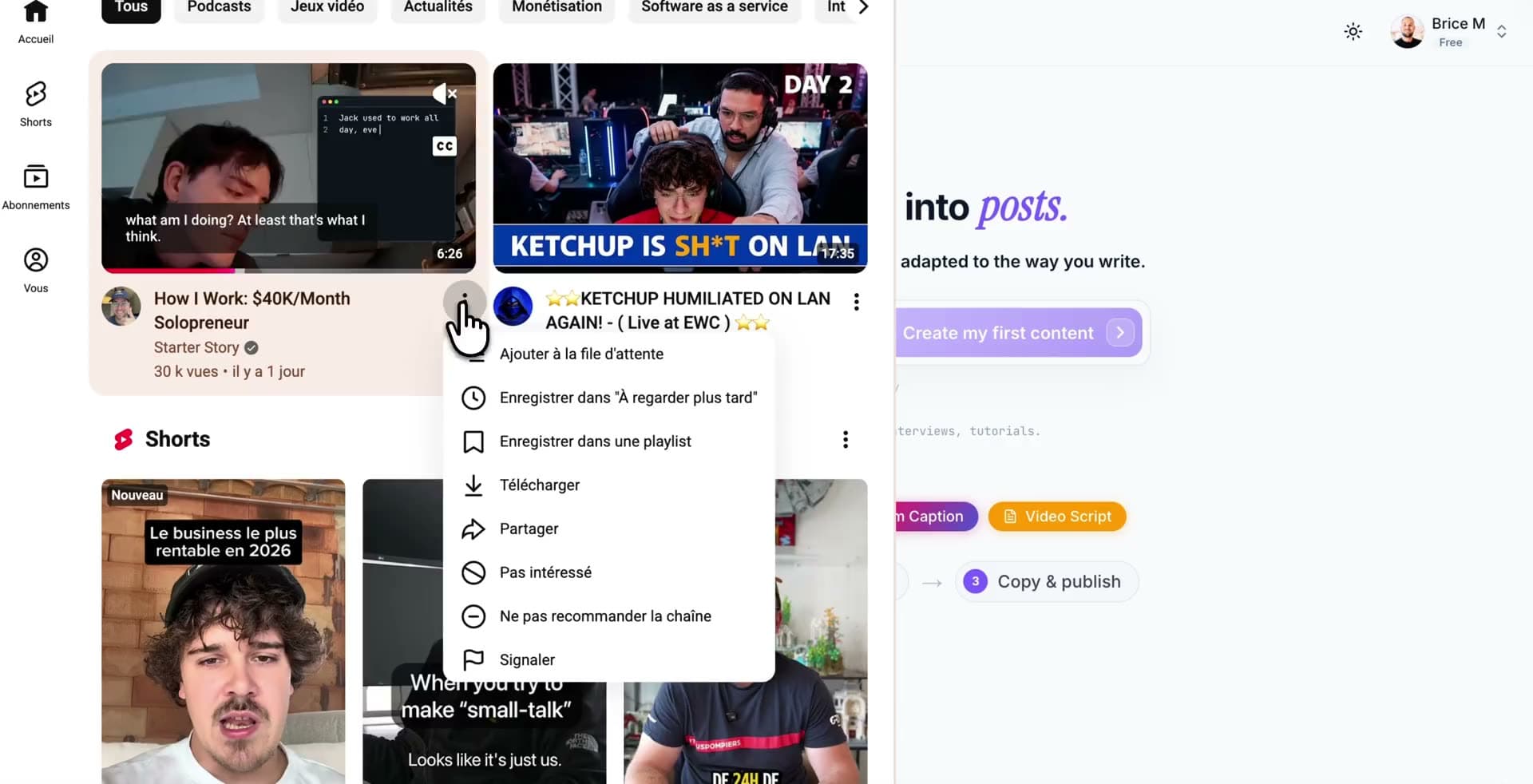
YouTube video to social media posts
Paste a video, pick your formats while it's analyzed, and get LinkedIn, X and Instagram drafts in your style.
Who turns videos into posts
- Solo creators and foundersTurn the podcasts and talks you already watch into a week of posts without staring at a blank page.
- Content and social managersRepurpose one source across channels while keeping the message consistent and accurate.
- Consultants and expertsShare your take on industry videos and build authority with content grounded in real ideas.
- Marketers on a scheduleKeep a steady posting cadence by mining videos for angles instead of inventing them from scratch.
Not a generic AI writer
A blank-prompt AI writer invents plausible-sounding text. Tubelify starts from a real video.
Source-grounded by default
Drafts are built from the video's transcript and insights, so they reflect what was actually said.
Timestamps to verify
Jump back to the exact moment behind any point before you publish it under your name.
Adapted per platform
One idea, reshaped for LinkedIn, X and Instagram, instead of the same paragraph pasted everywhere.
You stay the editor
Tubelify drafts; you review, personalize and decide what ships. Always review important claims against the source.
Questions, answered
Keep exploring
Turn your next YouTube video into a week of posts
Start free with 150 minutes of video a month. Paste a URL and see the drafts.
Free plan, no credit card required.